One of the most common questions we hear from teams building conversational AI agents is, “Is it safe to switch to the new model?”
With new models being adopted on a regular basis, once a prompt is tweaked and a tool is added, you suddenly need to decide whether it’s safe to ship.
We built Compare so that decision rests on evidence instead of a guess.
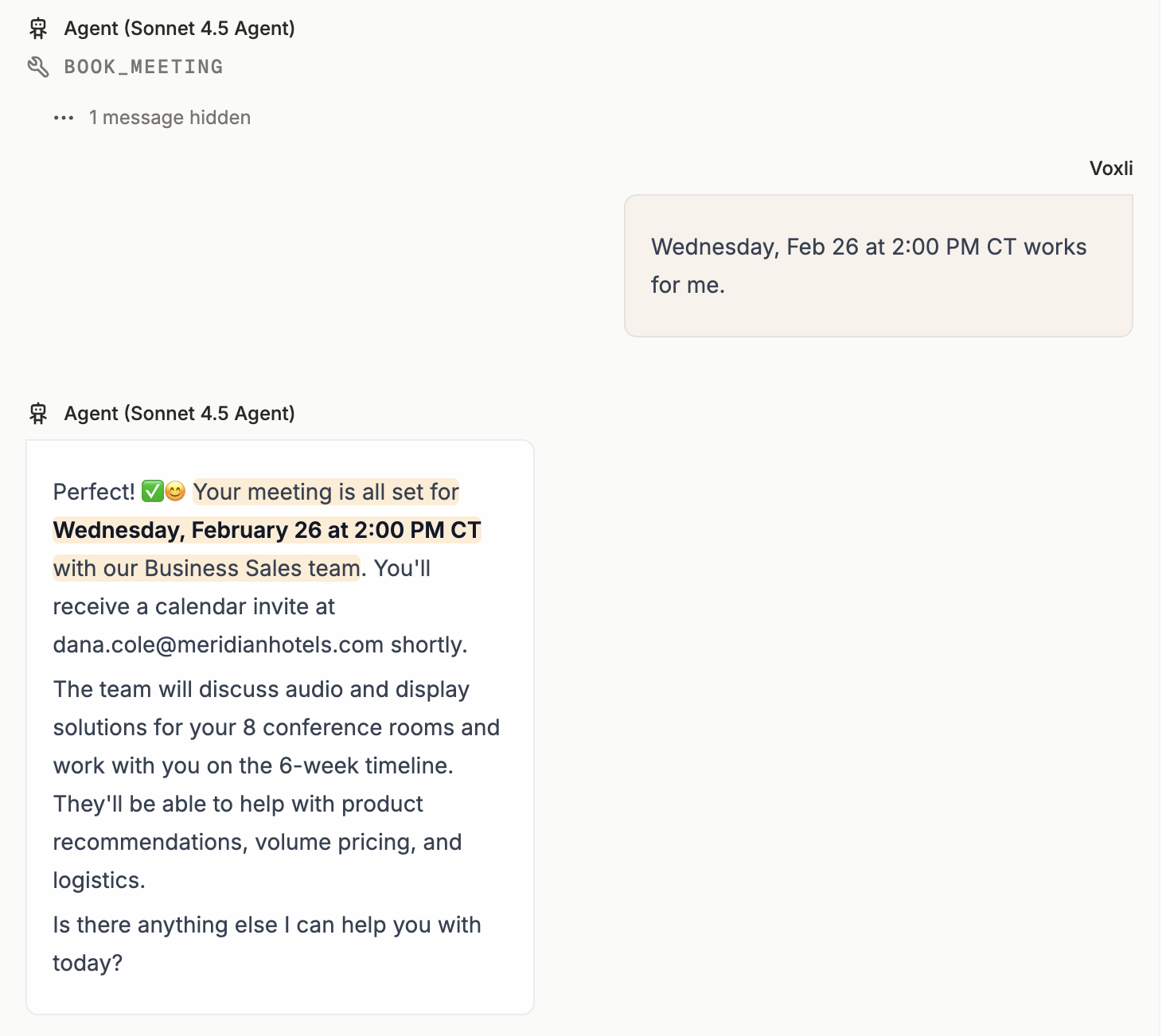
Compare runs your agent across the scenarios and agent personalities you care about and gives you a pass-rate verdict. You can even view the full conversation transcript and see the assertions outcome behind it giving you the score.
Differentiate between two reports
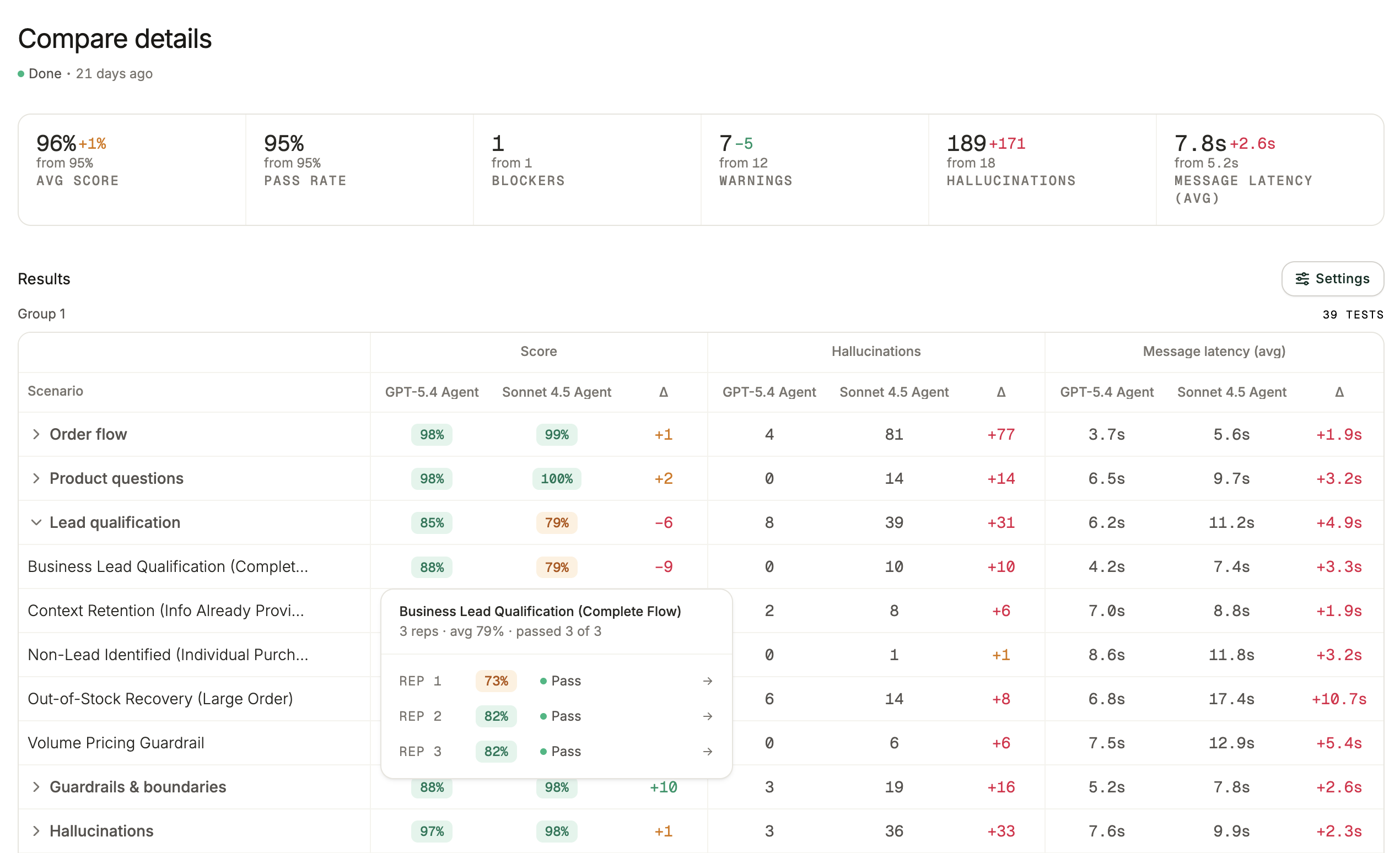
The real benefits come once you do your second run. Make your change, run the comparison again, and put the two reports side by side.
For each metric you see the old value, the new value, and a colored delta: green means it improved, red means it got worse, and changes within the metric’s margin stay neutral.
This can be used for more than model swaps. For example, if you sell a CX agent, you can run the same scenarios against two agent setups and differentiate the reports to A/B test them, or use a single report during onboarding to verify a new customer’s flows before they go live.
Read it along any metric
Score is always available. The metric picker adds hallucination counts and any custom metric you define, such as response time, token usage, or cost. Each one becomes its own column, so the same matrix reads as a quality report, a latency report, or a cost report.
How to compare your Agent
- Go to Compare in the left sidebar and click New comparison.
- Pick the agent and the scenarios and personalities to cover.
- Click Create comparison.
For current setup steps, see the Comparing Agents guide.